
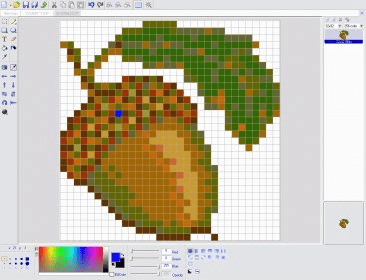
Pretty Icon Maker is a powerful tool for editing or creating icons and cursors.
The application allows user to extract, convert or create Windows icons from monochrome to Alpha Channel Windows XP 32 bits icons.
A very complete set of drawing effects and tools helps user to manage and edit all the possibilities for creating or converting existing icons. Image flipping, moving, rotation, mirror effect, etc. are some of the picture tools ready to use. Image rotation can be accomplished 90 degress CW, 90 degrees CCW or any angle the user selects. It also includes sharpen, soften and crystal effect tools.
For color and contrast changing, the application offers very smooth slide controls on brightness, contrast and color settings with immediate preview of the changes made.
The application gives users the possibility of showing or hiding the grid where pixels are displayed, zoom in and out, etc.
It also includes a 'Camera' tool for capturing zones from other images.
When creating cursors, the hotspot point can be set anywhere on the picture.






Comments